Always short on staff, I created these time saving tools to stream line workflow and keep me sane.
-
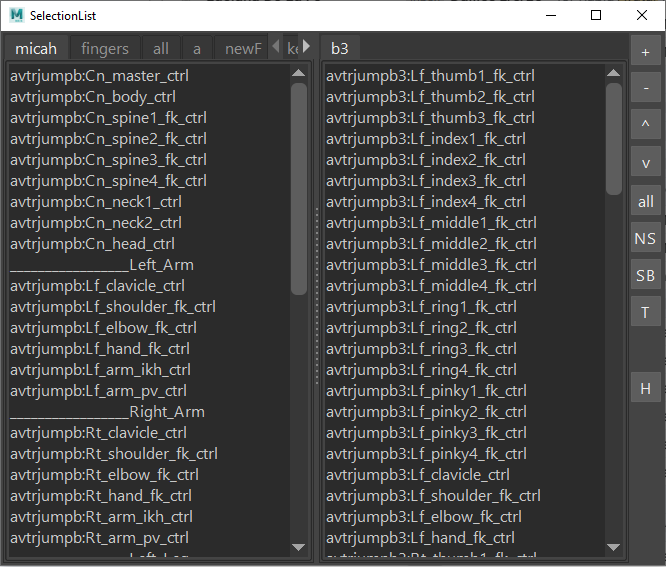
Selection List Tool
Customizable list of selectable objects such as rig controls or individual animation curves. Great for selecting multiple items quickly.
-
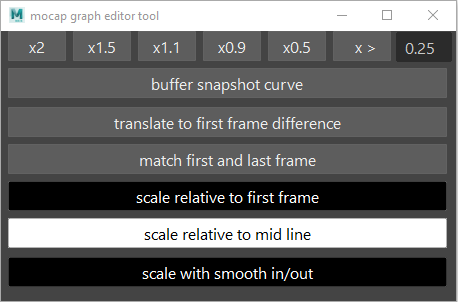
Motion Capture Graph Editor Tool
Editing motion capture animation curves is tedious, time consuming and could reduce texture if done by hand. This tool makes it fast and easy by applying adjustments to an entire range of selected keys using the power of Python all while retaining animation texture.
-
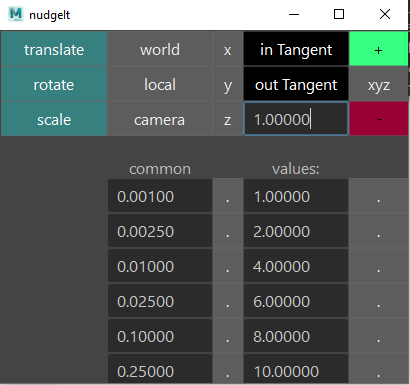
Nudge It Tool
Nudge objects or animation keyframes by very small amounts. Keyboard arrow keys can be used with this tool. A great alternative to painstakingly nudging things with a mouse.
-
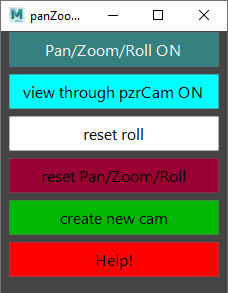
Zoom Pan Tilt Roll Camera
Written mainly for modelers but can be used by anyone that needs to zoom into your main camera but retains the position of that camera.
-
Knee Pop/Smooth Tool
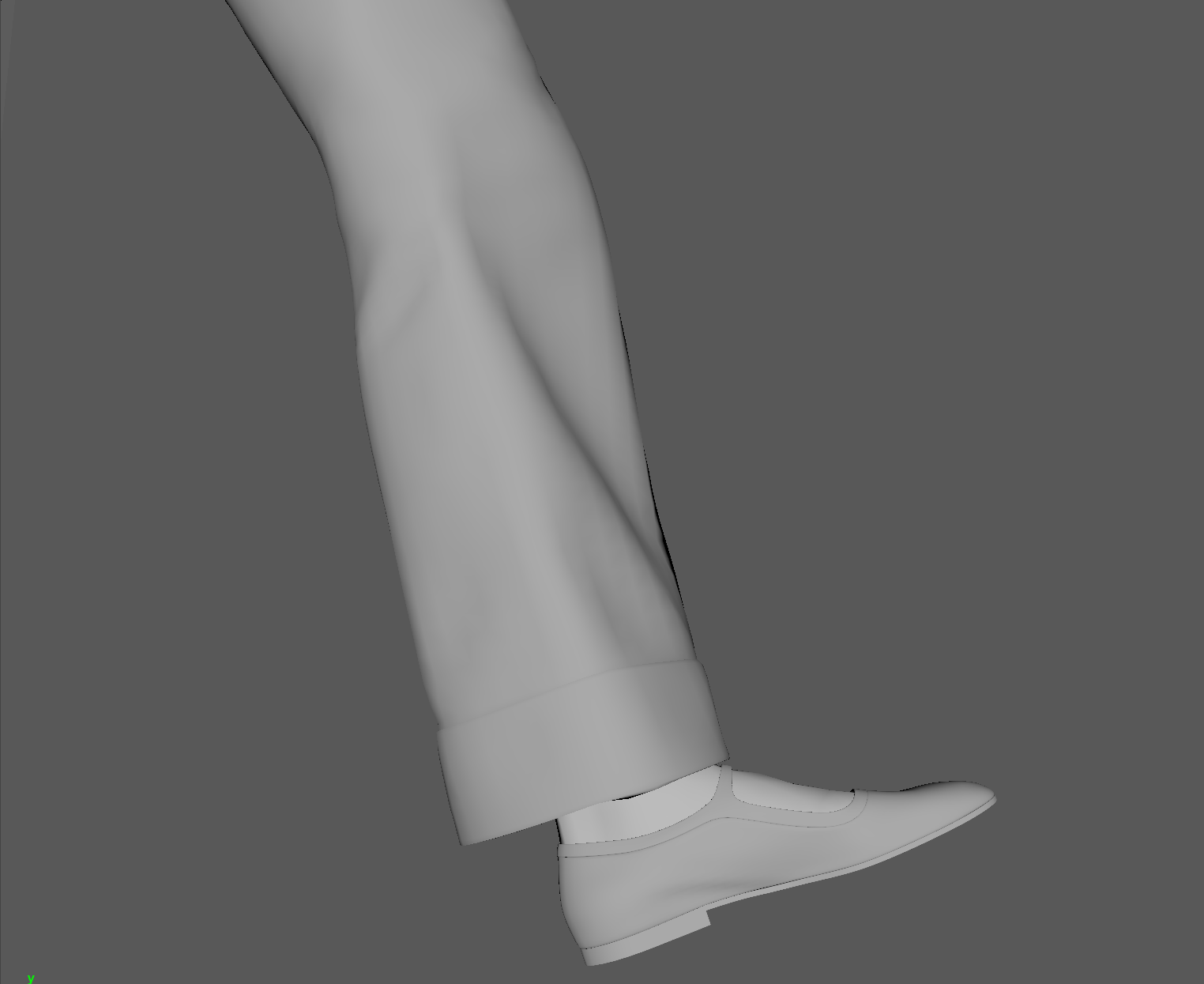
Our rig didn’t have the ability to scale joints so when we had motion capture data, there would often be a pop in the knees during a walk. This pop could be seen when the knee joint goes from slightly bent to perfectly straight. Maya has a limit to how small it can represent a joint angle so when it reached that limit, it would pop to zero. The only way to fix this would be to lower the hips just enough so the knees would never hit zero. This script would first map out the rotation of the knee across a specified frame range. Then an animator can see very clearly where the pops are in the graph editor. They could then edit that curve so it’s smooth. A 2nd script would run, that would make that knee follow the edited curve by lowering the hip the correct distance. It worked extremely well. I whipped out my old high school Trigonometry class for this one.
-
Foot Roll Solve Relative to Heel/Toe
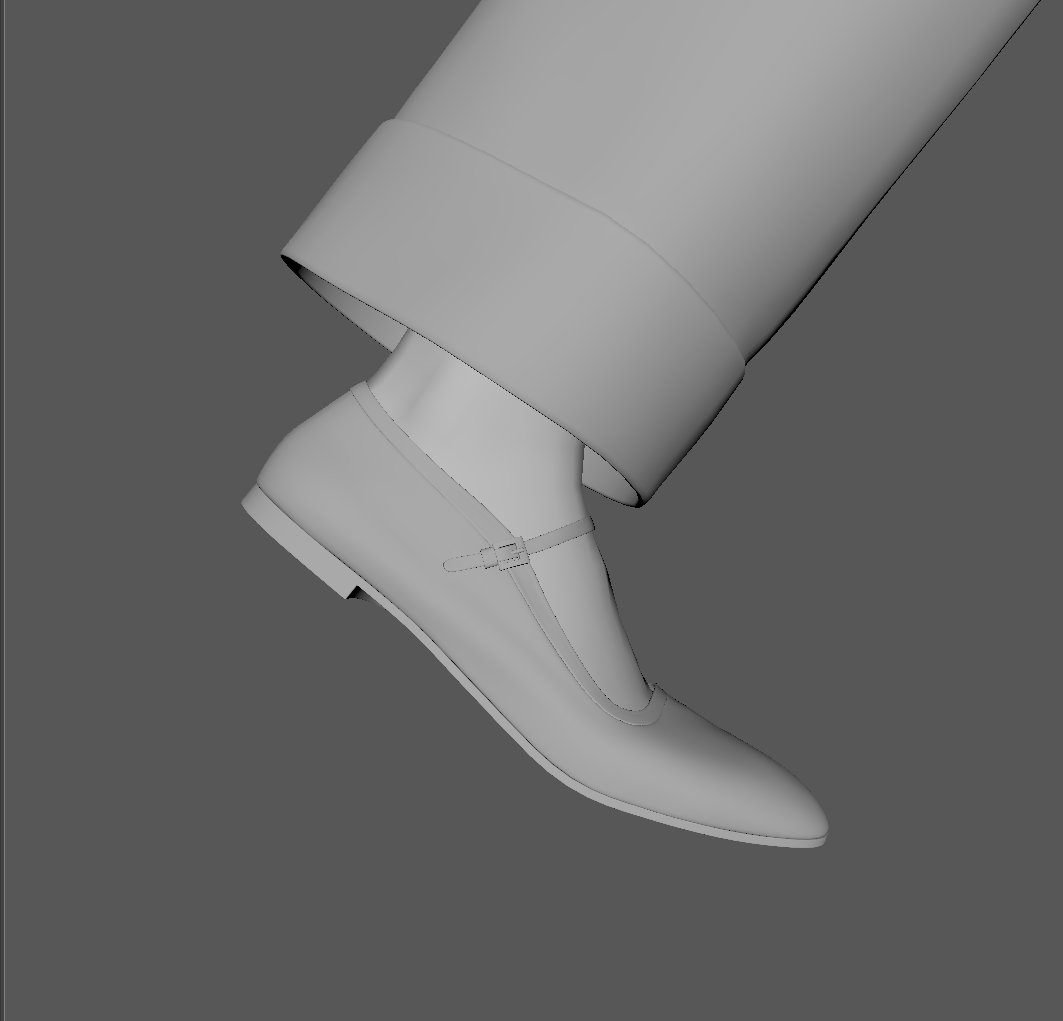
The motion capture data we got had a lot of foot sliding and ground penetration. Adjusting the curve from the ankle joint frame by frame is time consuming and tedious. The best way to resolve this was to transfer that data (from the ankle) to the foot roll attribute for the ik leg. With all rotations occurring relative to the heel or toe, this became much easier.
-
Spine, Neck and Head redistribution solve
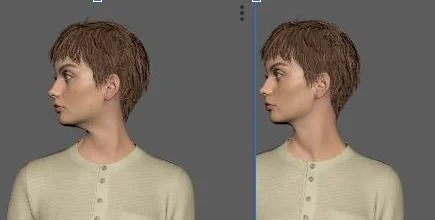
With data on only the head joint, there’s an obvious kink in the neck (left image). With this tool, it redistributes the total value of the head joint evenly across the head, neck1 and neck2 joints for a more natural pose across the whole frame range. This was also needed for the spine because the data would come in with the values distributed evenly across all the spine joints when it should be mostly on the lower joints near the hips.
-
Mirror Tool
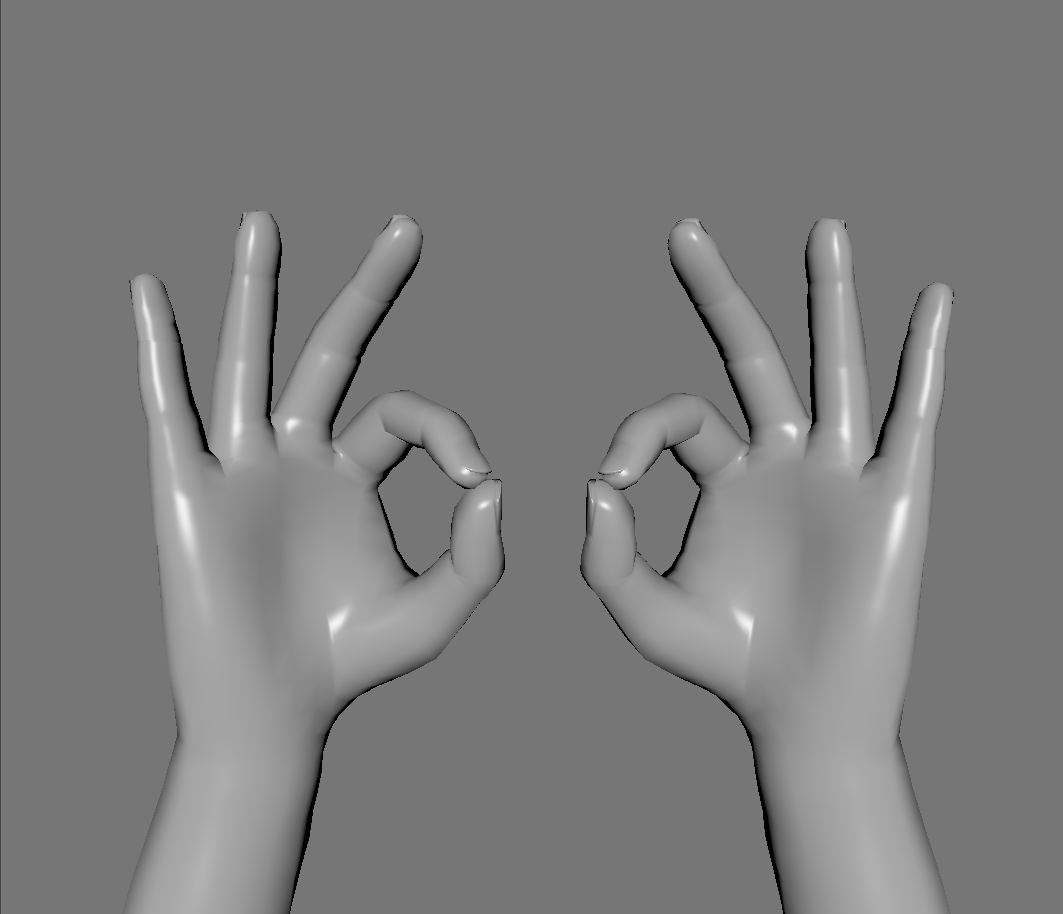
This tool was created to stream line the process of mirroring poses from one side of the body to another. Used for arm and hand poses, it can do single frame poses or entire frame ranges.